
Download DiscBlaze – CD/DVD Burning, Image Creation, Lightweight Utility
Overview
DiscBlaze is a lightweight and user-friendly CD/DVD burning application designed to simplify the process of creating and duplicating optical media. The app serves as a straightforward tool for users who need to burn data, audio, or video content onto regular or rewritable discs without navigating complex software interfaces. Its primary purpose is to deliver essential disc-burning functionality with minimal overhead, making it suitable for individuals seeking a no-frills solution for everyday optical media tasks.
Target users include home users, students, and professionals who require occasional disc creation for backups, software distribution, or media sharing. The application is particularly beneficial for those who value simplicity and efficiency over advanced customization. It enables users to create exact digital images of DVDs, which can be stored on a hard drive for future duplication—ideal for archiving important files or content without degradation.
Although the developer did not provide additional background information, the app’s release date of March 18, 2010, indicates a long-standing presence in the software ecosystem. This longevity suggests a stable, reliable core functionality that has remained relevant despite shifts in digital storage trends. In today’s environment, where cloud and USB-based solutions dominate, DiscBlaze maintains a niche role as a dependable tool for users still relying on physical media for data preservation or compatibility with older systems.
Key Features & Functionality
- Intuitive Interface: DiscBlaze features a clean, guided workflow that walks users through each stage of the burning process. From selecting the source files to choosing the target drive, the interface ensures a seamless experience, even for beginners unfamiliar with disc authoring tools.
- Lightweight Design: Built to minimize system resource usage, the application runs efficiently in the background while other programs operate. This allows users to burn discs without significant performance impact on their devices.
- Focus on Core Functionality: By limiting features to essential disc-burning tasks, DiscBlaze avoids feature bloat. This focused approach reduces user confusion and streamlines the workflow, ensuring users can complete tasks quickly and accurately.
- DVD Image Creation: The app supports the creation of exact digital images of DVDs, preserving original structure and data integrity. These images can be saved locally for archiving or later use in duplicating content.
- Free to Use: DiscBlaze is available at no cost, with no subscriptions, in-app purchases, or hidden fees. This makes it an accessible option for users seeking reliable burning capabilities without financial commitment.
For example, a student preparing a presentation can use DiscBlaze to burn a copy of their project to a DVD in minutes. A small business owner may use the image creation feature to back up client data on a disc and store the digital image for future duplication. These real-world applications highlight the app’s practical value in both personal and professional settings.
Interface, UX & Performance
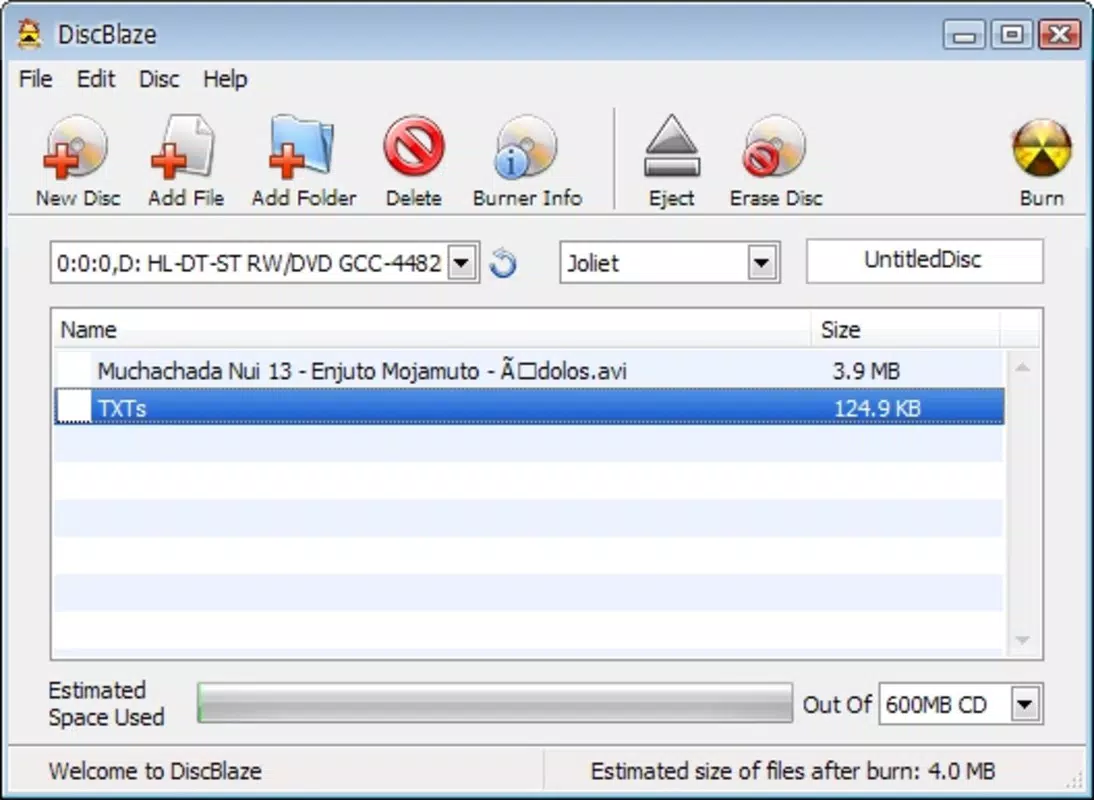
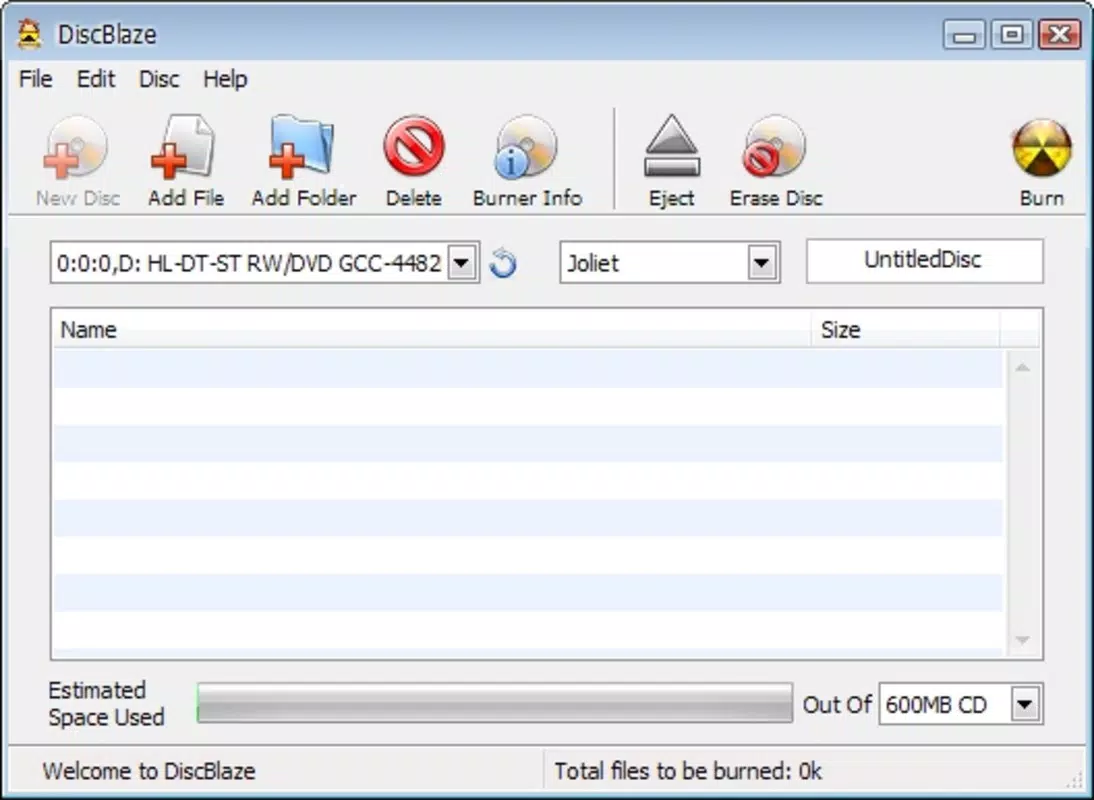
DiscBlaze presents a minimalistic interface focused on usability and clarity. The layout emphasizes essential controls, with clearly labeled buttons and step-by-step prompts that guide users through the burning process. Navigation is straightforward, relying on logical grouping of functions such as source selection, drive choice, and burn settings.
Visual design is functional rather than flashy, prioritizing readability and accessibility. Text labels are legible, and icons are intuitive, reducing the learning curve for new users. The application responds promptly to user inputs, maintaining a smooth interaction flow without noticeable lag.
Although the developer did not list formal performance metrics, the lightweight nature of the app suggests efficient memory and CPU usage. It is expected to perform well on mid-range and older devices, maintaining stability during long burn sessions. Responsiveness remains consistent across different screen sizes and input methods, though specific compatibility details were not disclosed.
Stability appears to be a strength, given the app’s long availability since 2010. Users can reasonably expect consistent behavior during typical operations, though real-world performance may vary based on hardware and media quality.
Platform Compatibility & Technical Requirements
DiscBlaze is designed for use on Windows-based systems. The app supports multiple versions of the Windows operating system, though specific requirements were not listed. The file size is relatively small, indicating a compact installation package that does not require extensive storage space.
As of the latest available information, the software is compatible with both desktop and laptop systems equipped with CD/DVD drives. However, compatibility with modern systems lacking optical drives may be limited, depending on hardware availability. The developer did not specify minimum OS requirements, nor did they provide details on supported drive types or media formats.
Users should ensure their system includes a functional optical drive to use the application effectively. For those relying on USB-based disc drives, compatibility will depend on the device’s driver support and system recognition.
Pros and Cons
Pros
- Simple, intuitive interface suitable for beginners
- Lightweight with minimal system resource usage
- Free to download and use with no hidden costs
- Supports creation of exact DVD images for backup and duplication
- Focuses on core functionality without unnecessary features
Cons
- Developer did not provide detailed technical specifications
- Compatibility with modern systems lacking optical drives is uncertain
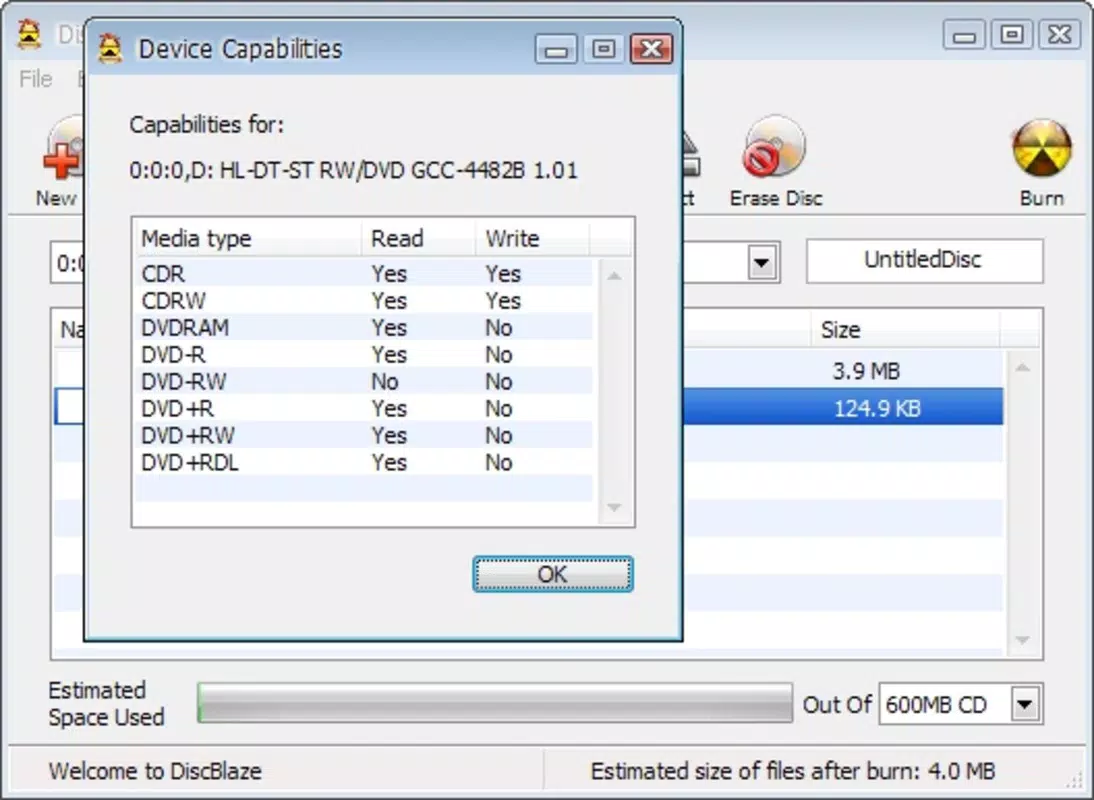
- Limited to CD/DVD burning; no support for newer media formats
- No information on update frequency or future development plans
- Not available for mobile platforms like Android or iOS
FAQ
Is DiscBlaze safe to download and install?
Yes, DiscBlaze is a legitimate application that has been available since 2010. It does not contain malware or intrusive behavior based on available public records. However, users should always download from trusted sources to ensure security.
Can I use DiscBlaze on a laptop without a built-in optical drive?
Yes, but only if your laptop is connected to an external USB CD/DVD drive. The application requires a physical drive to function, so compatibility depends on the external device’s driver support and system recognition.
Does DiscBlaze support Blu-ray or other high-capacity formats?
No, DiscBlaze is designed specifically for CD and DVD media. It does not support Blu-ray, HD DVD, or other advanced optical formats.
How do I create a DVD image using DiscBlaze?
After selecting the source files or disc, the app provides an option to create a digital image. This image is saved as a file on your hard drive, preserving the original structure and content for later use.
Is DiscBlaze regularly updated?
The developer did not provide information on update frequency. Given the app’s release date in 2010, it may not receive frequent updates, but its core functionality remains stable and functional.
Final Thoughts + CTA
DiscBlaze stands out as a reliable, no-nonsense solution for users who need to burn CDs and DVDs without the complexity of modern software suites. Its lightweight design, intuitive interface, and free availability make it a practical tool for archiving, data sharing, and media duplication. While it lacks support for newer formats and mobile platforms, its focus on essential functionality ensures a smooth experience for those still using optical media.
For individuals working with older systems, students preparing physical project copies, or professionals needing quick disc backups, DiscBlaze delivers consistent value. It remains a solid choice in a niche market where simplicity and reliability are paramount.
Download DiscBlaze now


